Profile
Profile Image

- Go to CS Checker - Settings - My Profile, and click
Change Profile. - Select the desired image and apply the change.
Resetting Password
CS Checker - Setting - My Profile, click
Reset Password.
Enter your curent password.
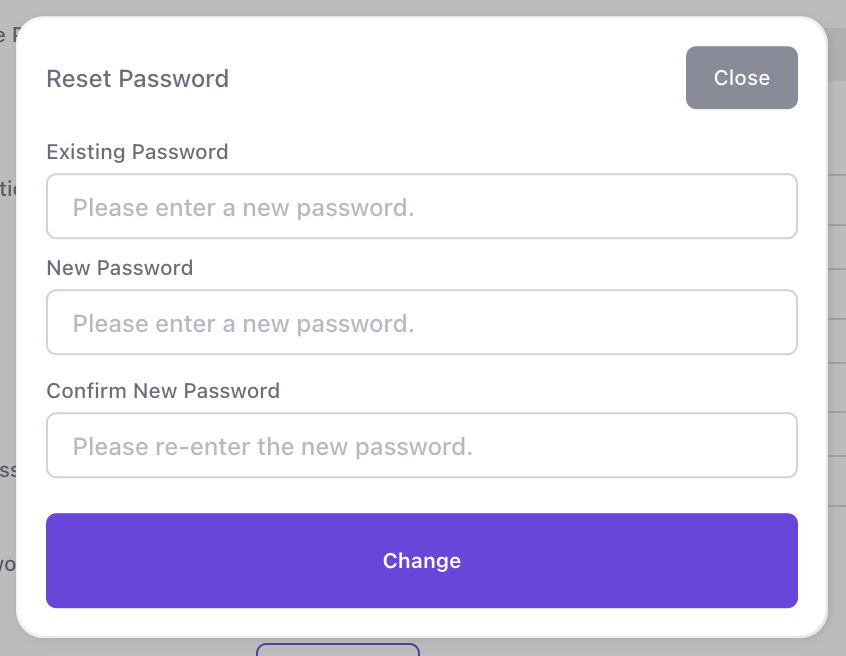
Enter a new password.
Re-enter the new password to confirm.
Click the
Change Buttonto complete the process.