Reset Password
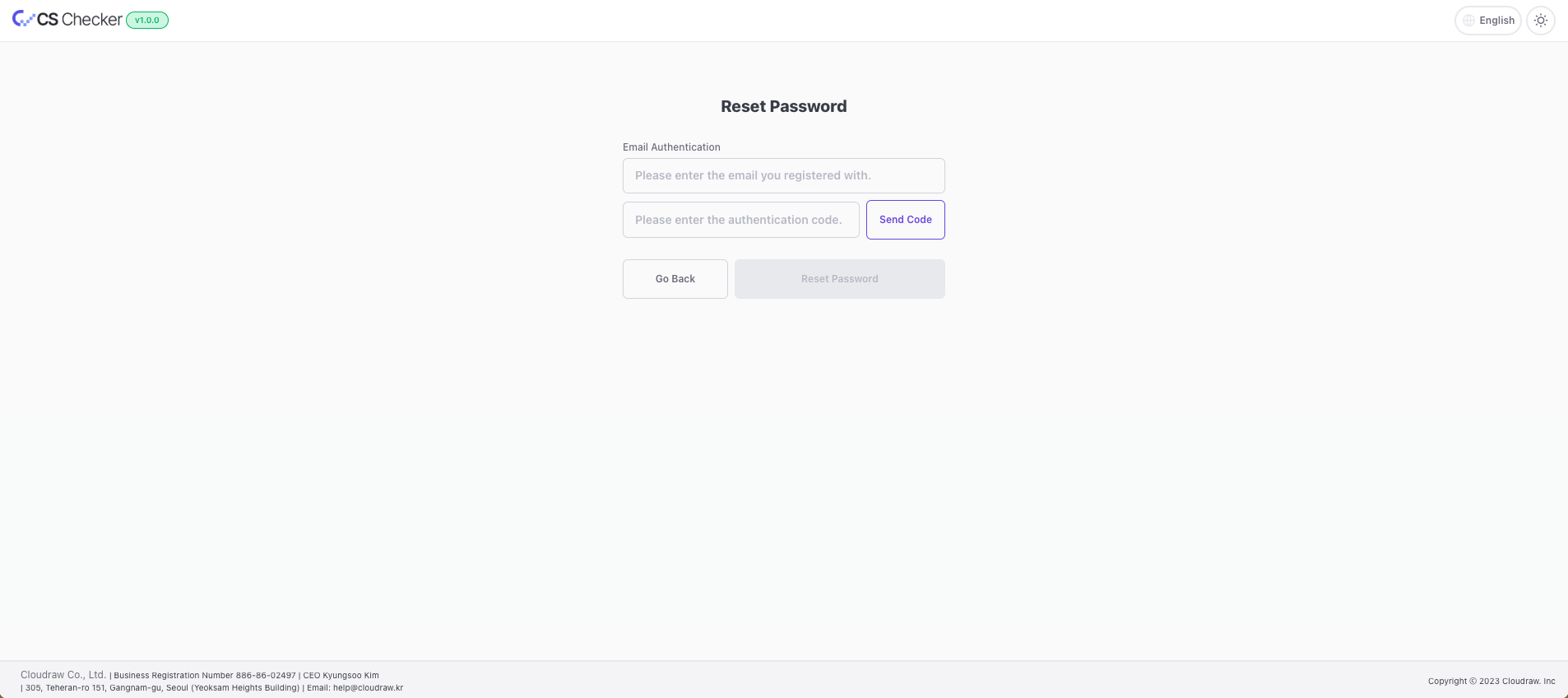
- On the CS Checker login page, click
Forgot Password. - Enter your email address and click
Send Code Button. For example)cschecker@cloudraw.kr - Check the
six-digit verification codesent to the entered email address. - Return to CS Checker, enter the verification code, and click
Confirm. - Click the
Reset Password Button. - Enter your new password.
- Re-enter the new password for confirmation.
- Click the
Reset Password Buttonto complete.
info
Passwords must meet the following conditions.
- Use only uppercase and lowercase English letters, numbers, and special characters.
- Start with a lowercase English letter.
- Be between 8 and 20 characters long.