Find ID
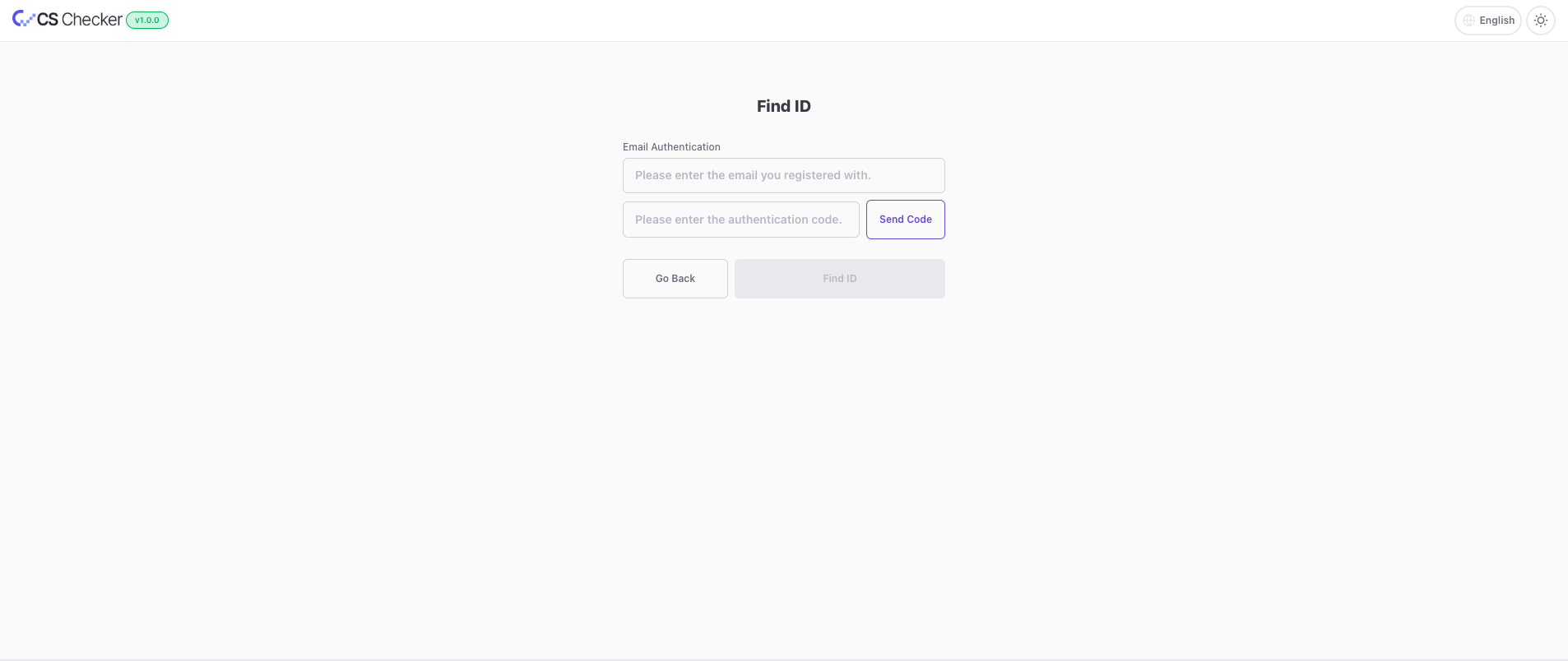
- On the CS Checker login page, click
Find ID. - Enter your email address and click
Send Code Button. For example)cloudstudio@cloudraw.kr. - Check the
six-digit verification codesent to the email address you entered. - Return to Cloud Studio, enter the verification code, and click
Find ID. - Click the
Next Button. - Check your email for the ID that was sent.