Manager Settings
cloud security checker: super org(top-level organization)is a service that manages sub orgs (Sub-Organization). The super org (top-level organization) can have multiple administrators under it.
Inviting a Manager
- Click the
Add Administrator button.

Click
Inviteto send an invitation email.Enter the
nameandemailof the user to be invited.
ClickAdd to List +to add the user to the administrator list.
ClickInviteagain to send the invitation email.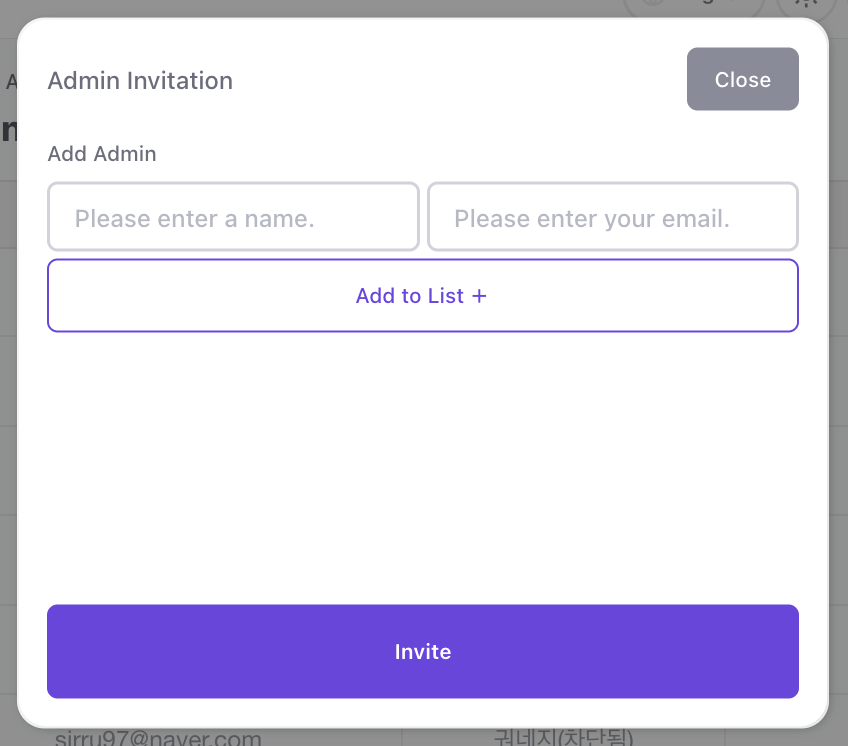
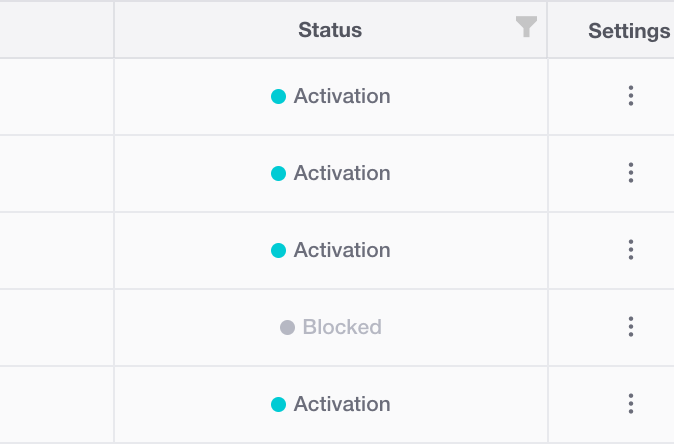
Invited: The email has been sent.
Activated: The user has received the invitation email and registered the OTP in the service How to register OTP.
Deleting a Manager
Click Settings (three-dot icon) and then click the Remove Admin button.
The re-invite button is only activated when the status is Invited.
Invited: The email has been sent.
Activated: The user has received the invitation email and registered the OTP in the service How to register OTP.
