Sub-Organization Management
To manage Sub-Organization, click on the Admin>Sub-Organization Managementpage.
cloud security checker: The super org (top-level organization) is a service that can manage sub orgs (Sub-Organization). The super org (top-level organization) can have multiple administrators under it.
Adding, Deleting, and Editing Sub-Organization
Adding
Click the
Add Sub-Organization Button.
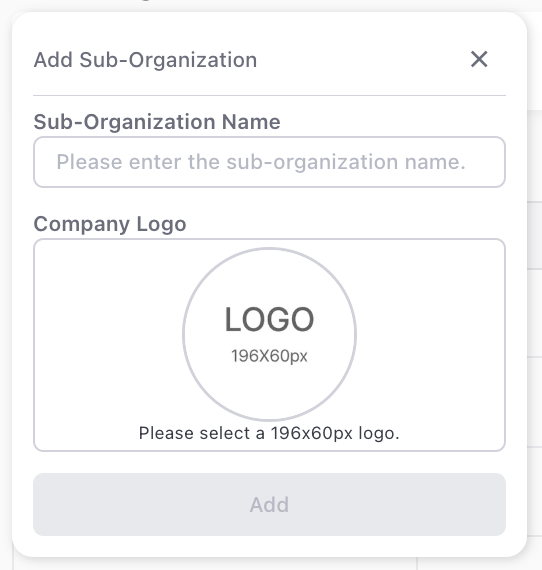
Enter the
Sub-Organization Name.Select the company logo. (196 x 60px)
Click the Add button.
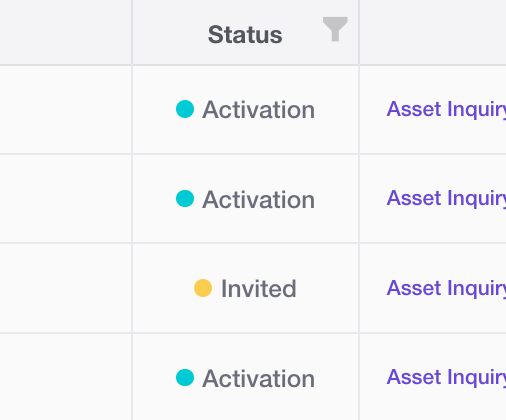
Invited: The email has been sent.
Activated: The user has received the invitation email and registered the OTP in the service How to register OTP.
Deleting, Editing
Click the
Edit Sub-Organization Button.
Editing: Click the text input field, modify the Sub-Organization name, and then click
Editto apply changes.
Deleting: Click theDelete Button.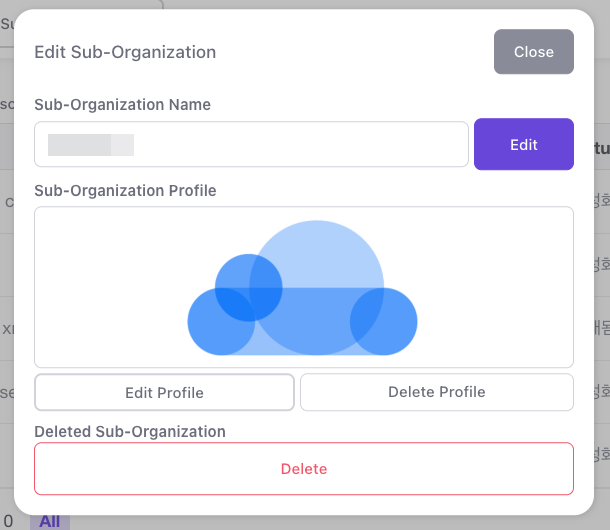
Inviting Users to a Sub-Organization Group
Click the
Invite User Button.
Enter the
Name(Real Name)andEmailof the user you want to invite.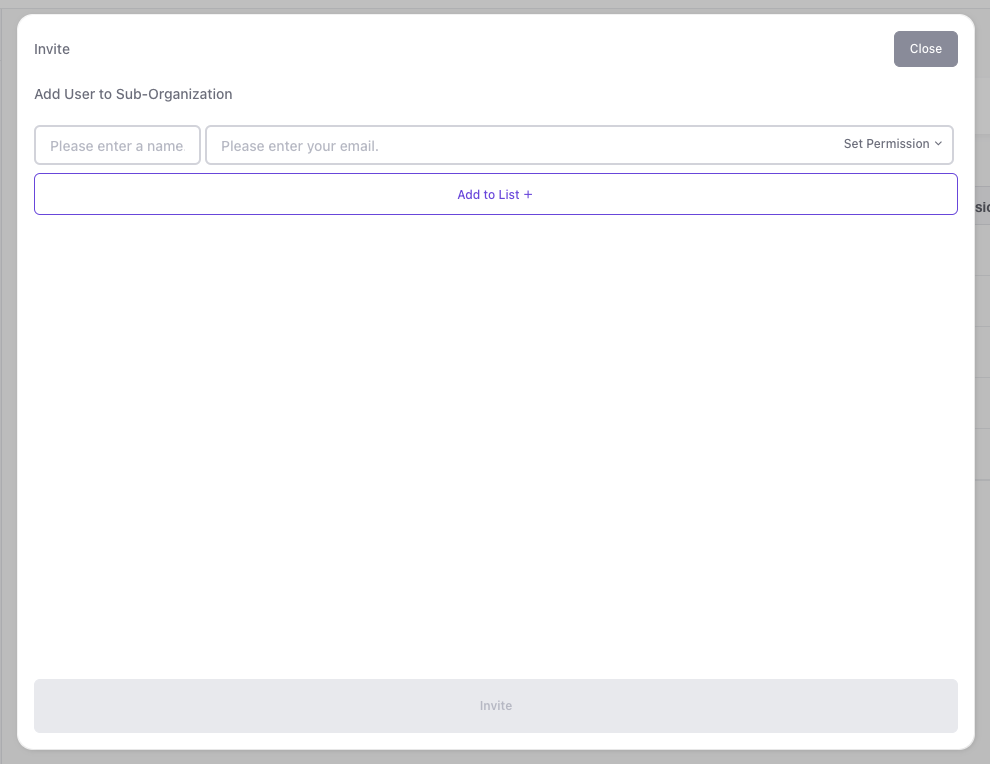
Set the user's permissions (multiple selections allowed). If you want to invite multiple users, click the
Add to List +and enter the user information.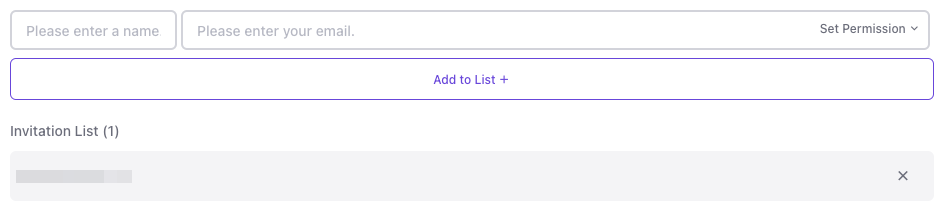
Invited: The email has been sent.
Activated: The user has received the invitation email and registered the OTP in the service How to register OTP.