OTP
Registration
- Install the google
authenticatorapp via the provided link. - Open the google authenticator app and scan the
QR code. - Once issued, the authentication key cannot be retrieved again, so be sure to write it down.
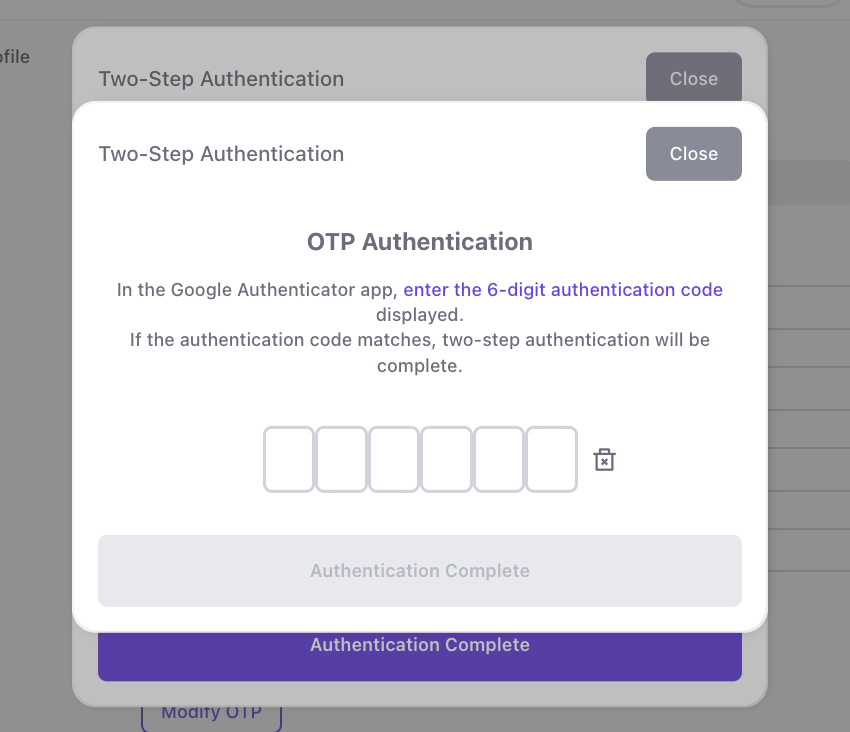
- Enter the
6-digit verification coderegistered in the google authenticator app and click theComplete Verification Button.
Modification
Click
Edit OTPto modify your OTP.
Enter the
OTP verification code.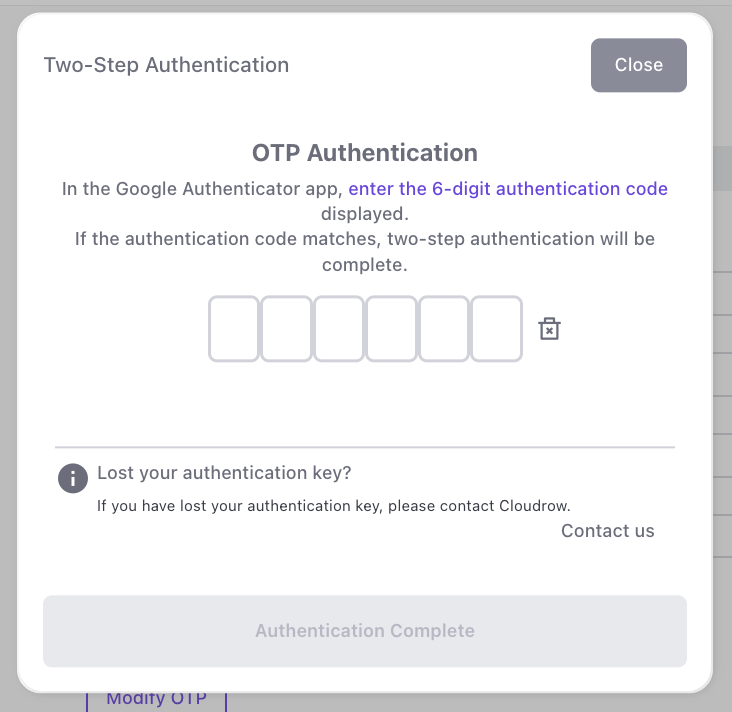
Install the
Google Authenticator appon your phone, then click theNext Button.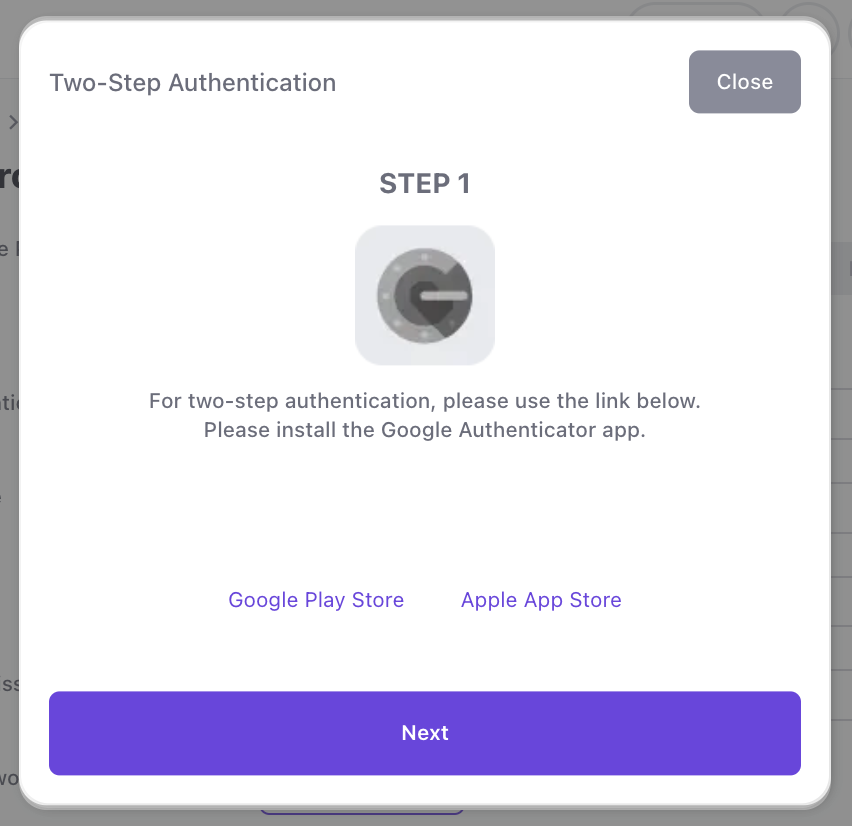
Open Google Authenticator and register your account. The
Next Buttonwill be activated only after you check the checkbox confirming the account registration is complete.
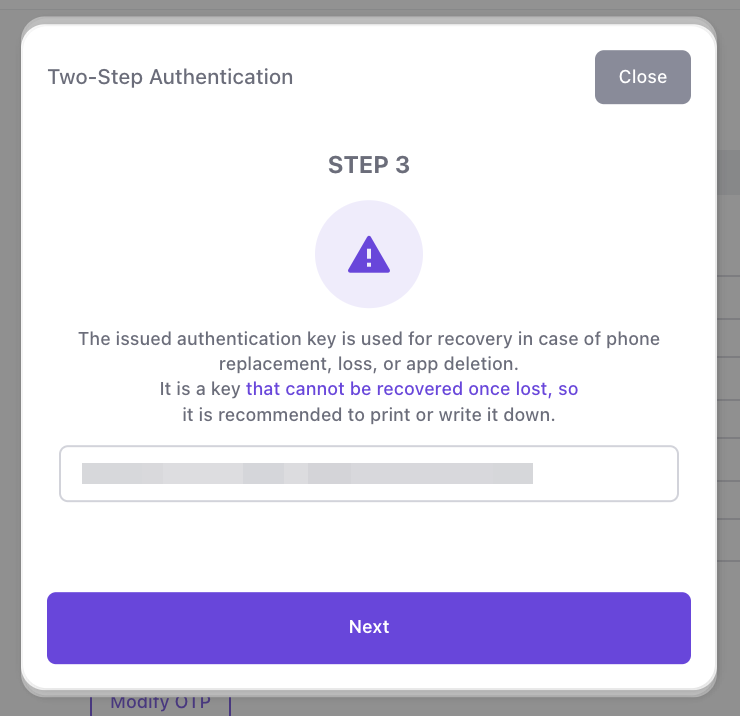
Once lost, the authentication key cannot be retrieved. It is recommended to print or write it down.
Enter the newly registered authentication code and click
Complete Verification.